Components
This feature allows the user to insert various component blocks into their page. The component blocks provide different functionality and also have drag-and-drop capability. Currently, this works only on the Default template.
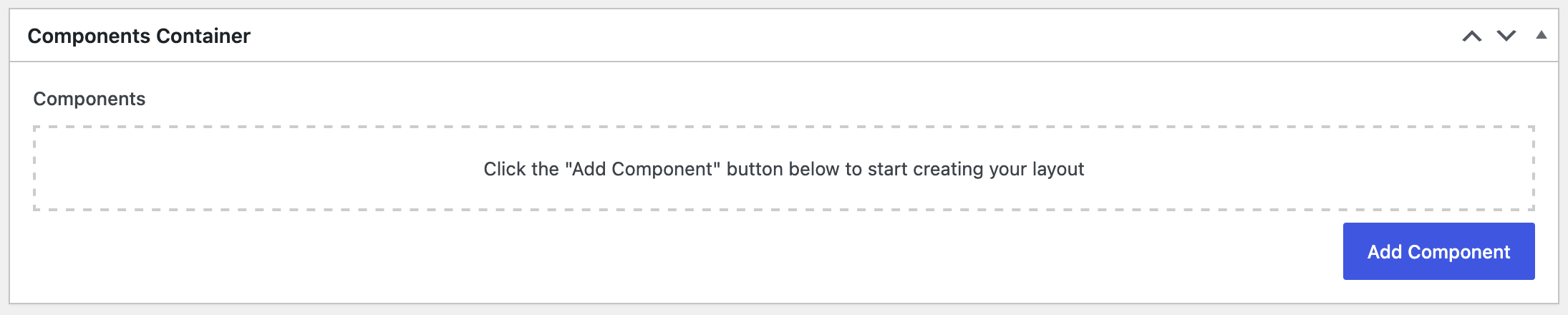
When you open a new or current page, the Components Container will now appear:
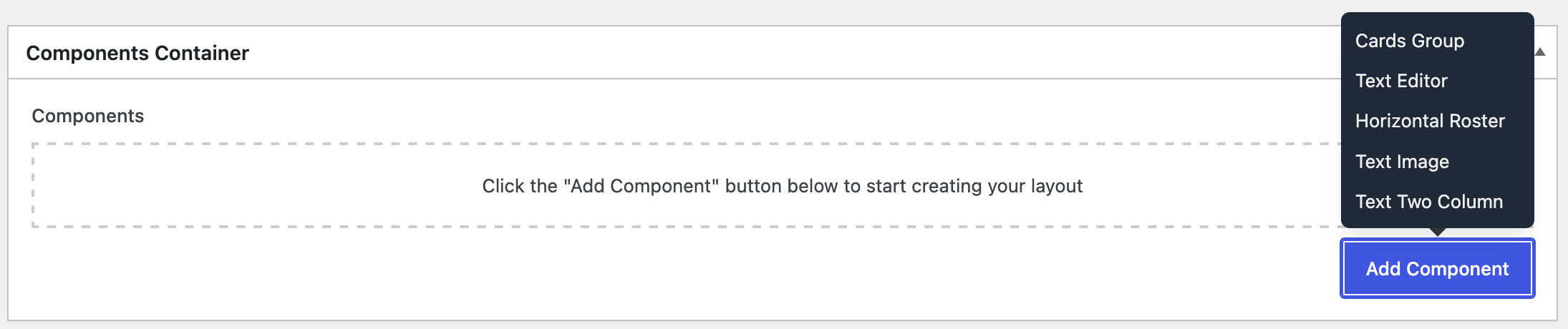
Select the button to provide a selection of components:
Multiple components may be used on the same page.

Components may be dragged and dropped to change the display order. Click and drag the number on the left of the component to move to a new location.
Select a link on the side navigation to visit a specific Component tutorial.