Text Two Column
The Text Two Column component creates two columns: one for text and one for an image.
Select the Add Component button.
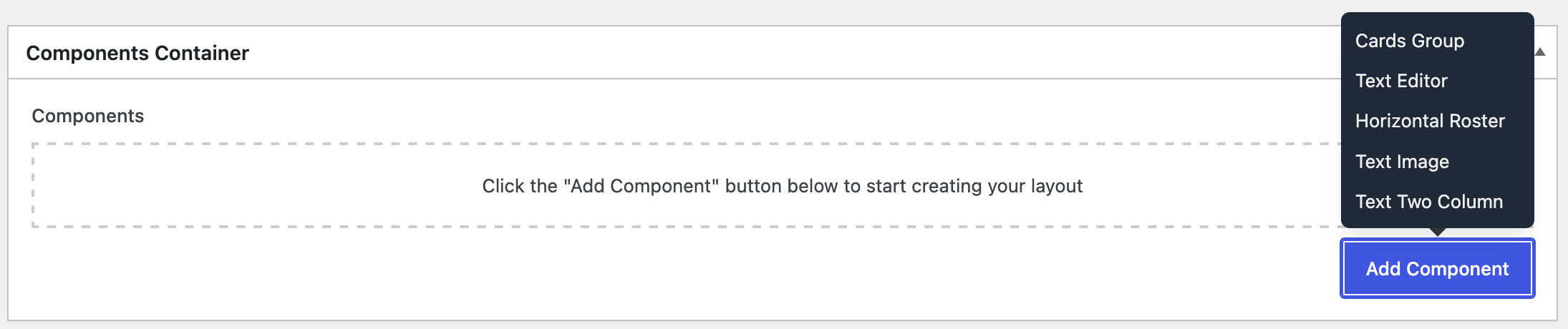
Select Text Two Column, then the component should appear:
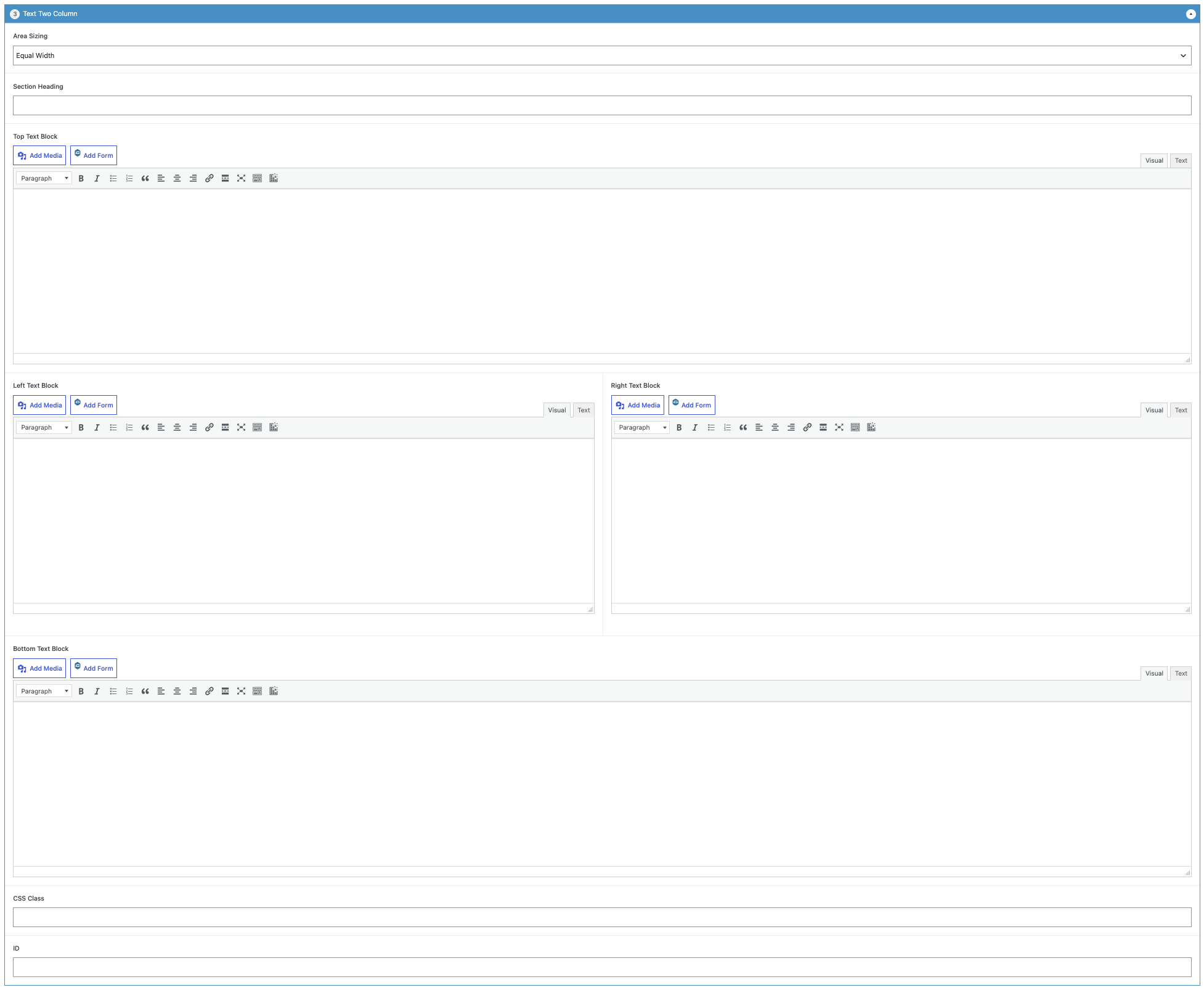
Open the Area Sizing dropdown selection and pick an arrangement.

This dropdown may be selected again to choose a different option.
If needed, add a heading for the component.

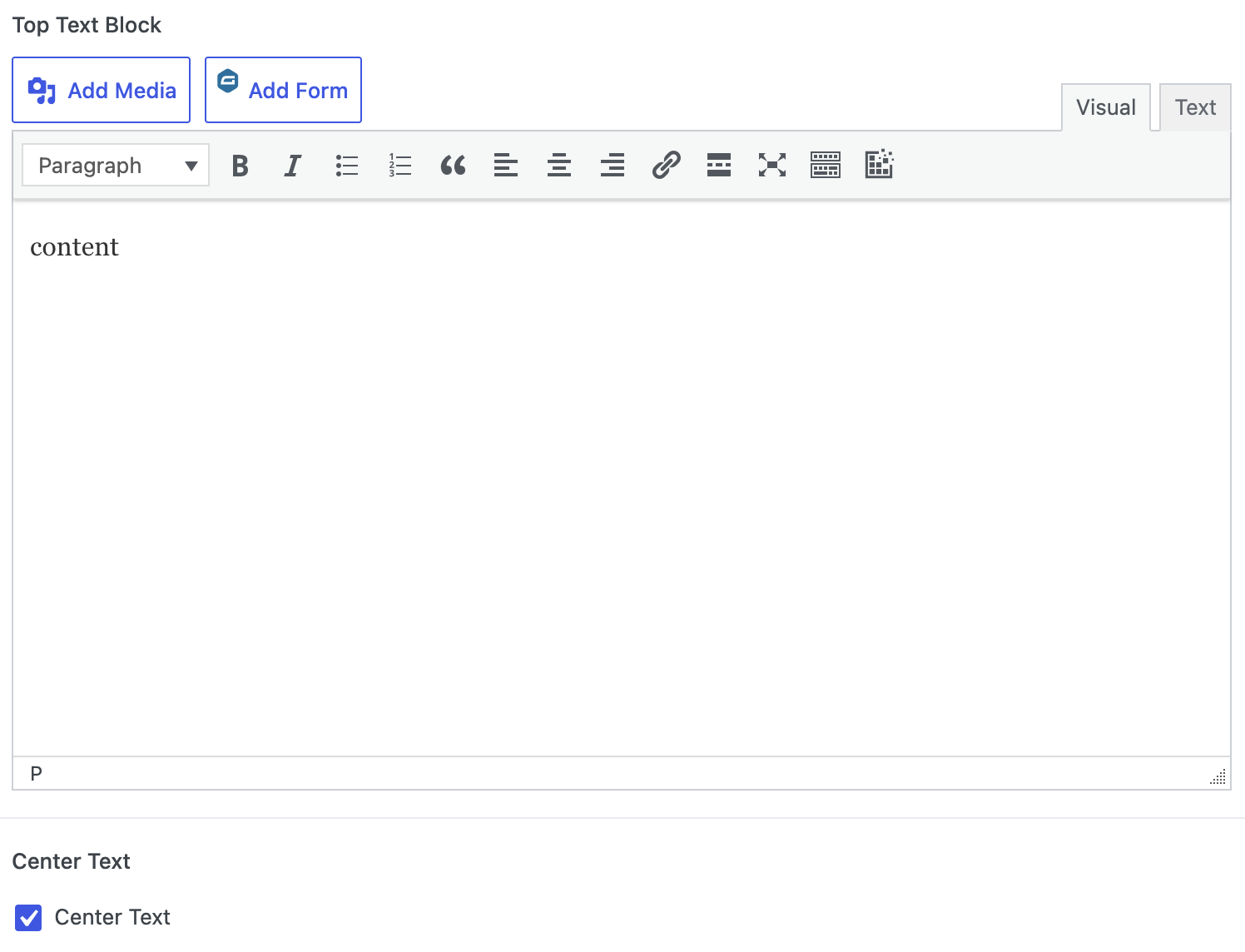
The Top Text Block functions exactly as the Editor Box, with the exception that once content is added, an option appears: Center Text.
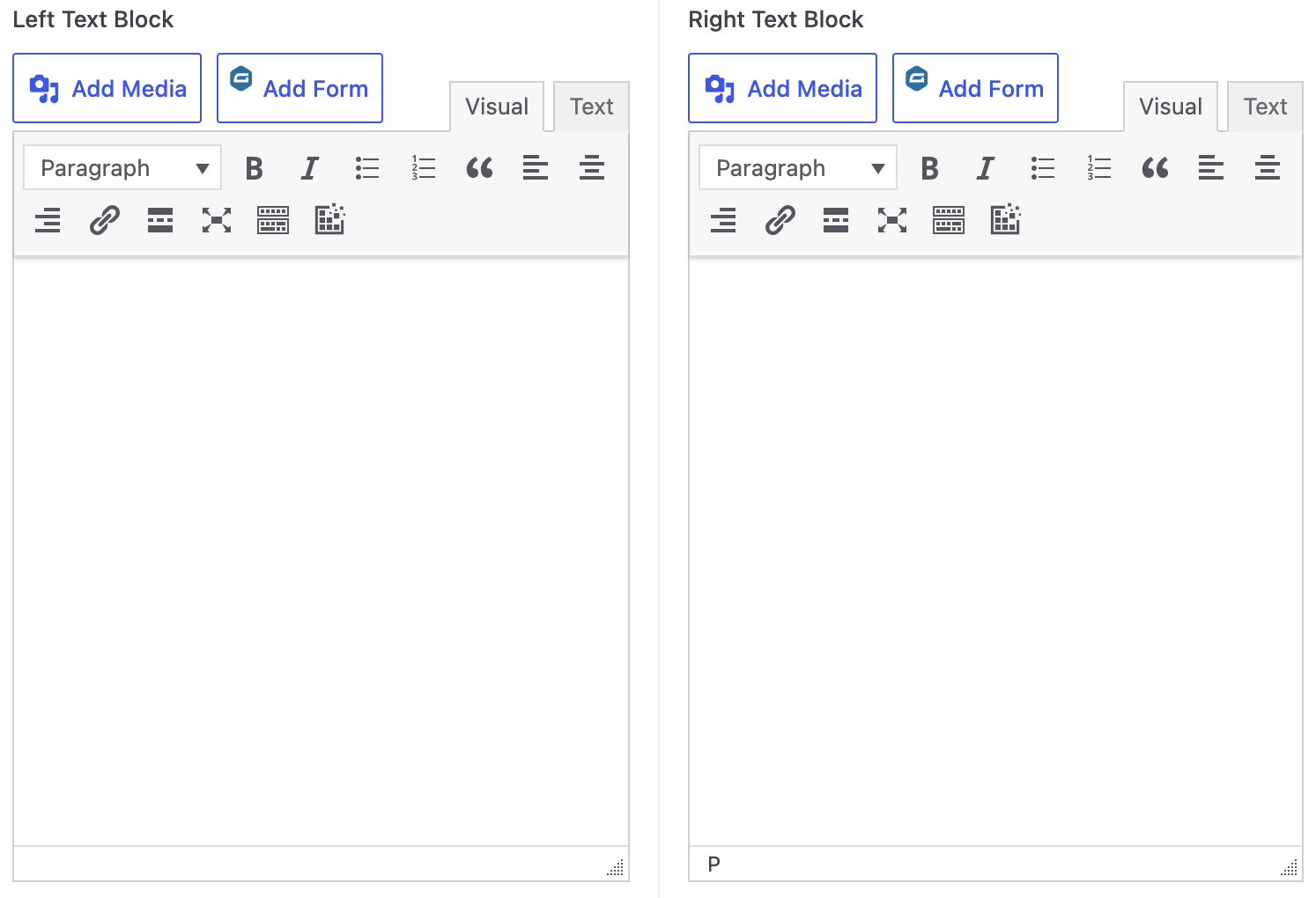
The Left Text Block and Right Text Block function exactly as the Editor Box. There is no option to center text for these two blocks.
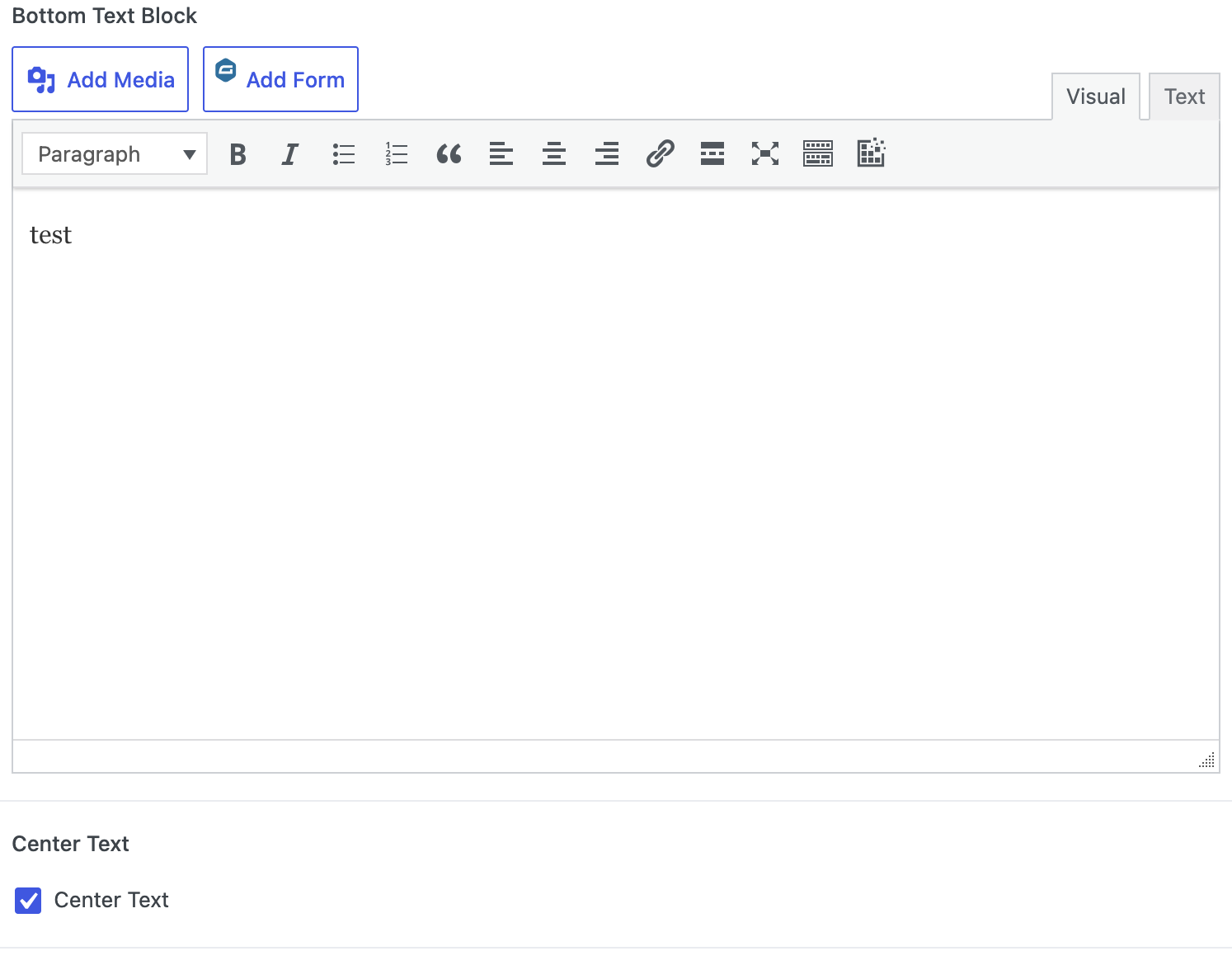
The Bottom Text Block functions exactly as the Editor Box, with the exception that once content is added, an option appears: Center Text.
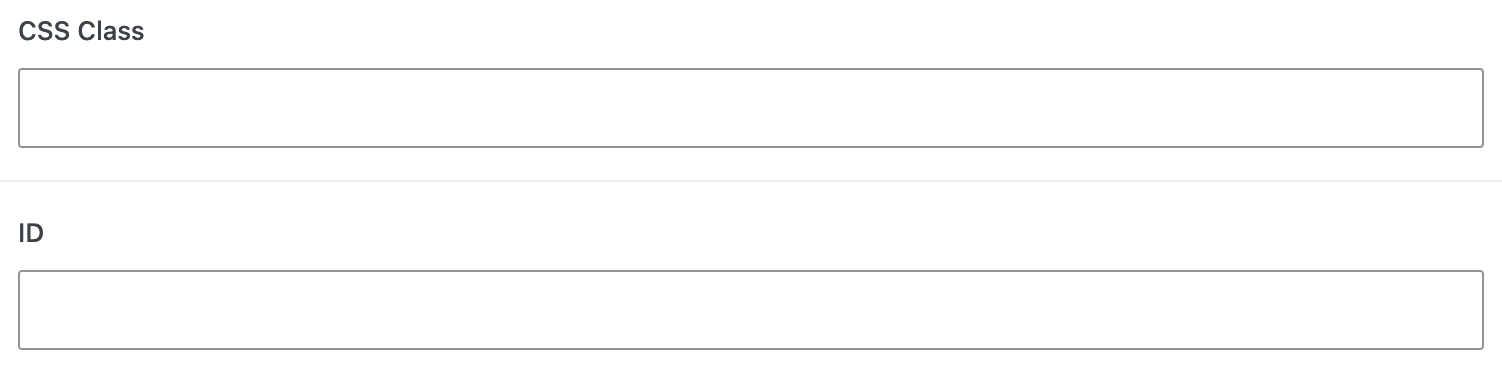
Do not fill any of these two fields; they are reserved for the WordPress Super Administrators.
Upon completion of the component, select the Publish/Update button within the Publish metabox.