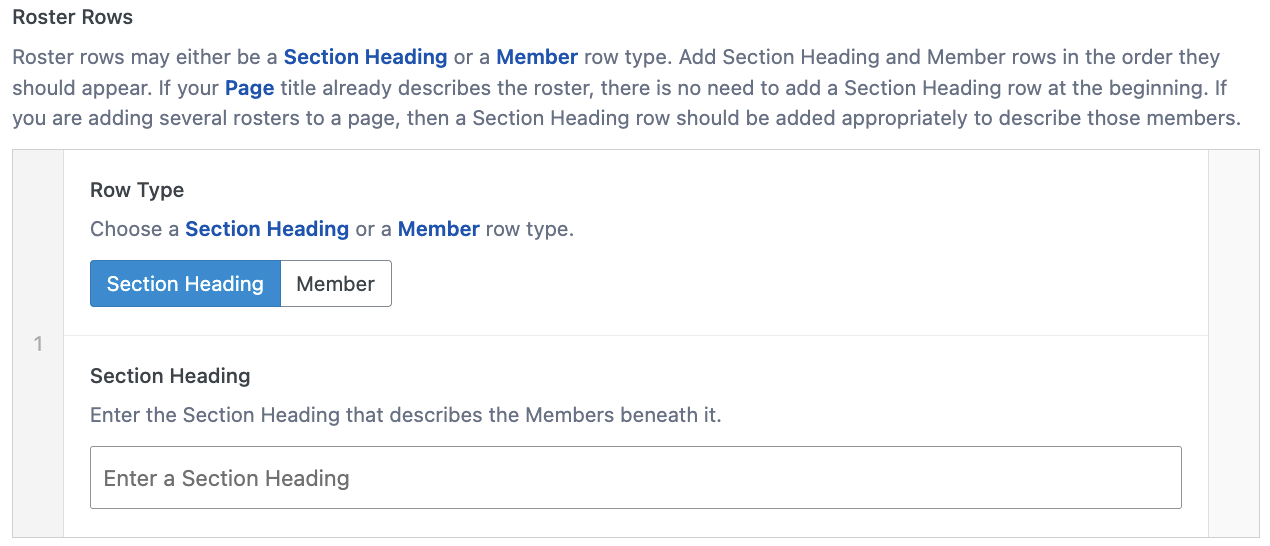
Horizontal Roster
The Horizontal Roster component can create Roster Row Section Heading or Member row types. The Section Heading creates a heading wherever needed. The Member row type creates two columns: one for a portrait image, which displays on the left, and one for text, which displays on the right, which is comprised of Name and Information content. There is no limit to the amount of row types to be displayed.
Select the Add Component button.
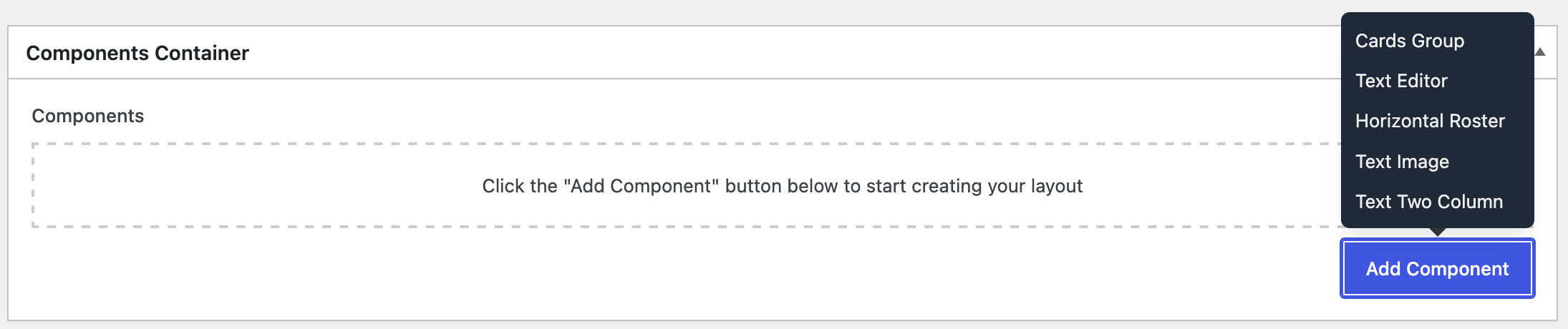
Select Horizontal Roster, then the component should appear:
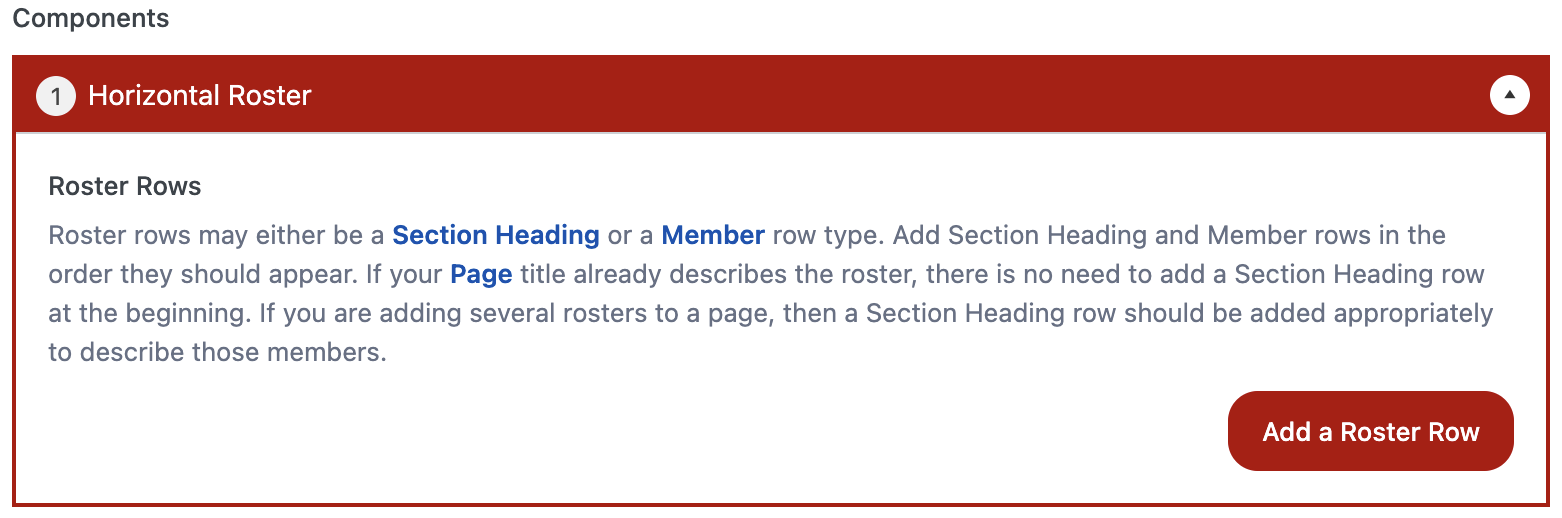
Carefully read the instructions.
Select the Add a Roster Row button. The row will default open as a Member row type.
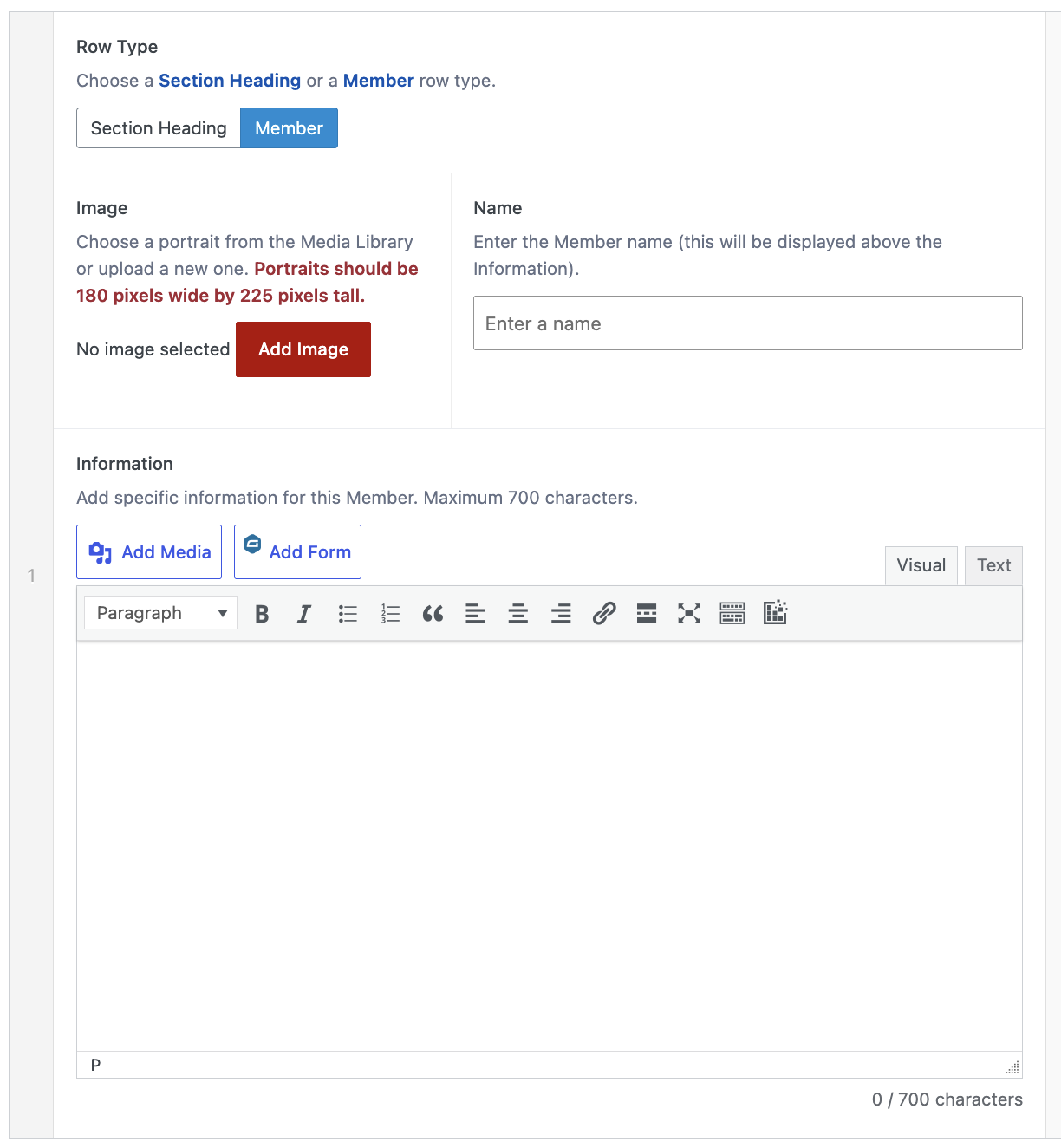
Be aware that the Information box has a limit of 700 characters. On the bottom right is a display that updates the character count while entering content. If 700 characters are exceeded, a warning will display, and the page cannot be published/updated.

If a Section Heading row type is needed, toggle the button, then a different row setup will appear.