Text Image
The Text Image component creates two columns: one for text and one for an image.
Select the Add Component button.
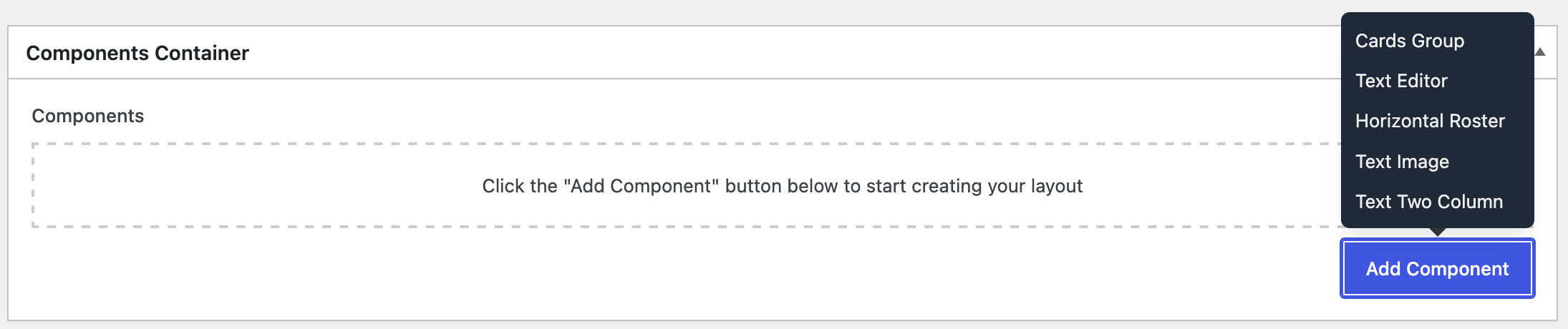
Select Text Image, then the component should appear:
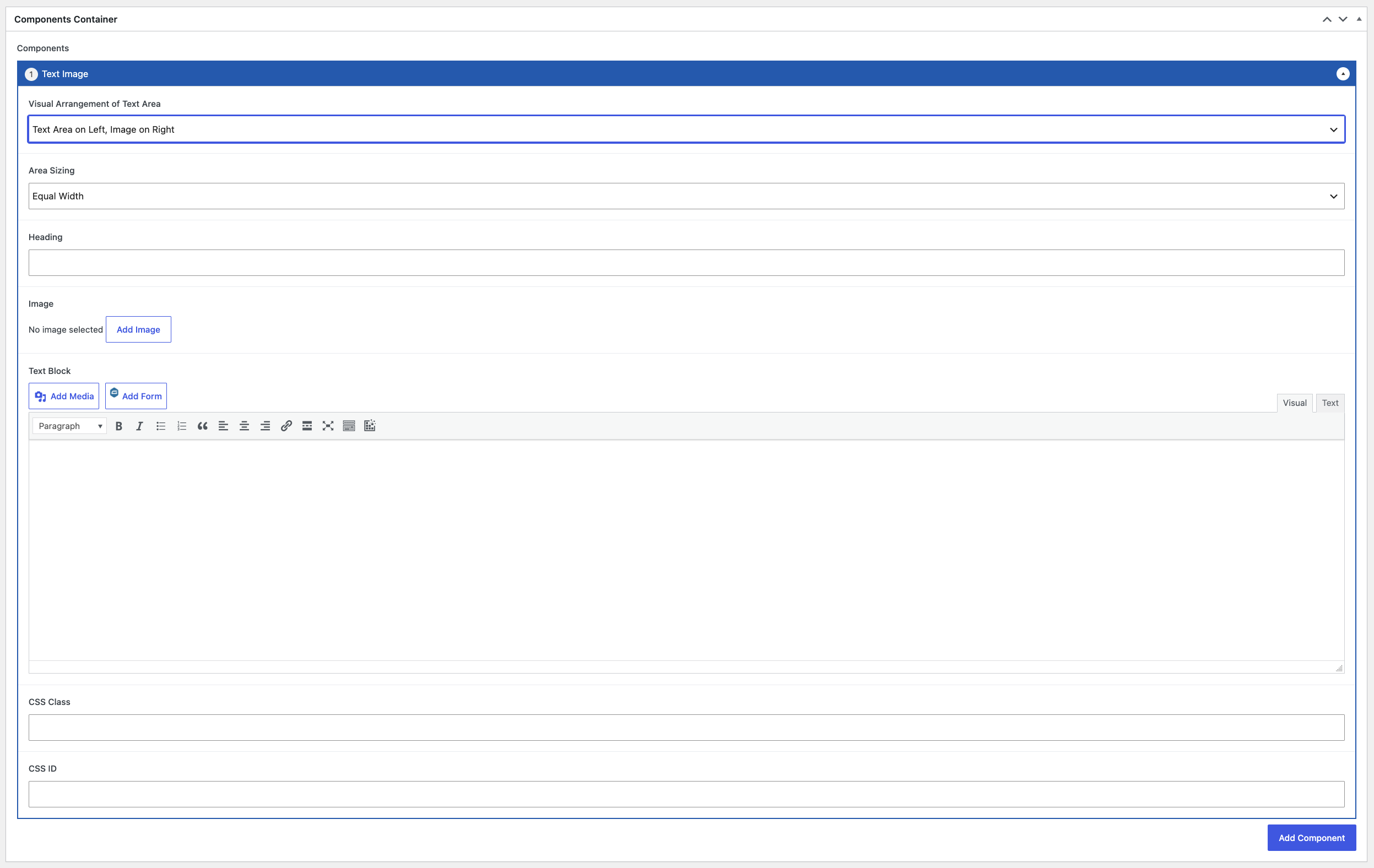
Open the Visual Arrangement of Text Area dropdown selection and pick an arrangement.
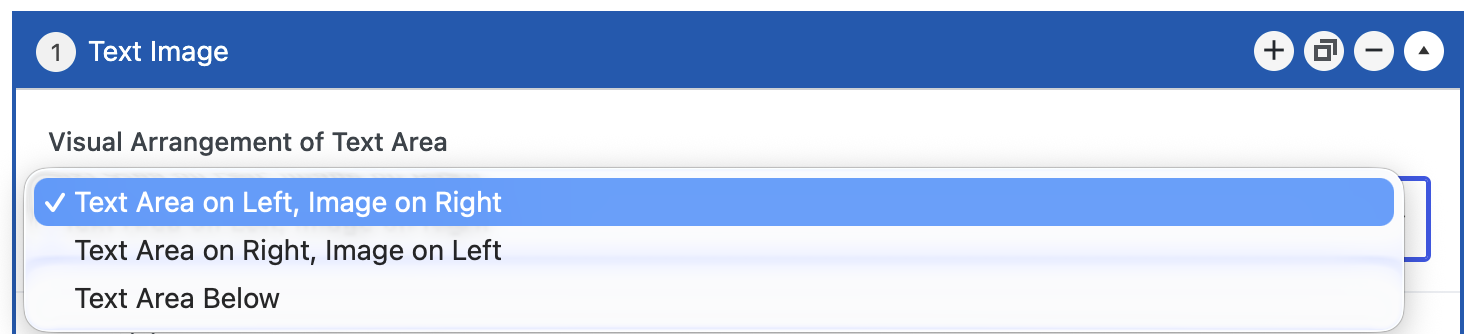
This dropdown may be selected again to choose a different option.
Open the Area Sizing dropdown selection and pick a size option.

This dropdown may be selected again to choose a different option.
If needed, add a heading for the component.

Select an image.

Add content to the Text Block.
Do not fill any of these two fields; they are reserved for the WordPress Super Administrators.

Upon completion of the component, select the Publish/Update button within the Publish metabox.