InteDashboard Access
How to Access InteDashboard
Option 1: Sign-in at the InteDashboard website
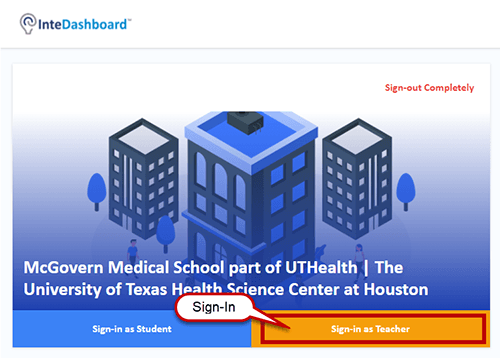
- Once you receive an invitation from the course coordinator, you can sign-in at the InteDashboard website: https://auth.intedashboard.com/ (external link) or https://v3.intedashboard.com/login (external link)
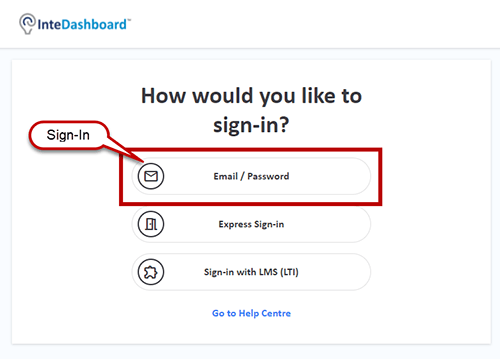
- Choose the Email/Password option > Sign-in with your UTHealth email and your InteDashboard password.
Option 2: Sign-in through the Canvas LTI link
- Login at https://www.uth.edu/canvas/ (external link)
- Click on the course name.
- Click the InteDashboard link on the left navigation menu.
- You will be automatically sent to the InteDashboard sign-in page. Chose Sign-In as Teacher.