InteDashboard Access
InteDashboard is a Team-based Learning management tool for IRAT, TRAT, Applications and Peer Evaluation activities.
How to Access InteDashboard
- Login at https://www.uth.edu/canvas/
- Click on the course name
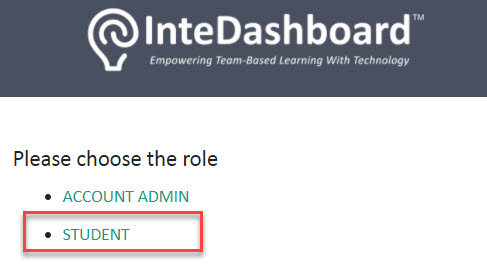
- Locate the InteDashboard link on the left menu on the screen. Choose the Student role:
You will be automatically sent to your InteDashboard activities page - Click the Start or Enter Test button to access your ongoing activity