Poll Everywhere Instructions
Log In to the Smartphone App
- Download the Poll Everywhere app to your smartphone:
Apple App Store (external link) Google Play (external link)
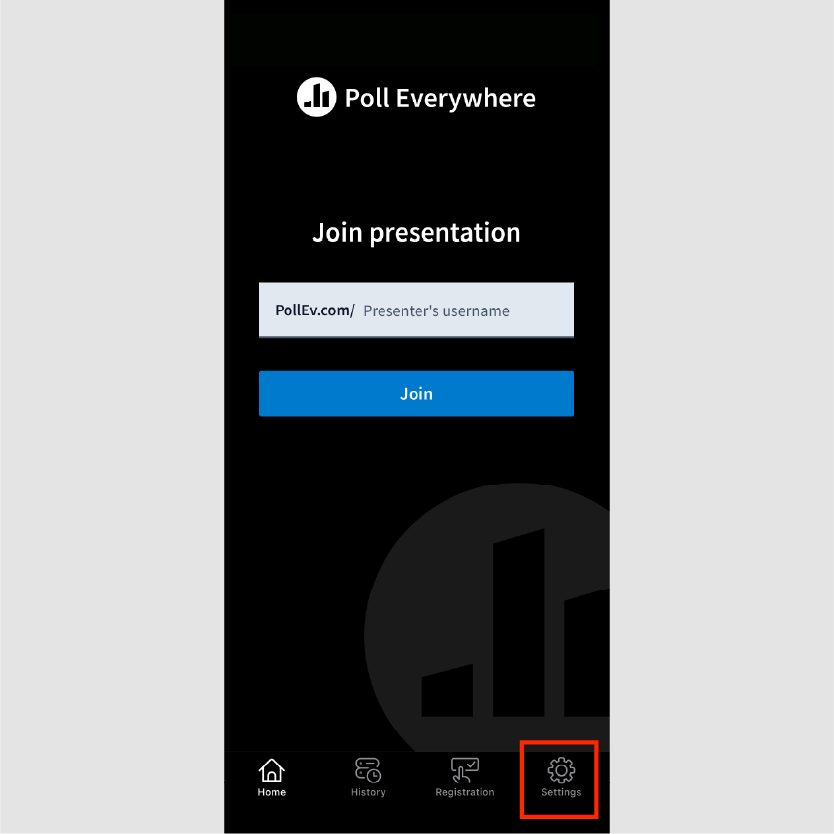
- Open the Poll Everywhere app and tap the Settings icon > On the Authentication required screen, click Launch log-in window.
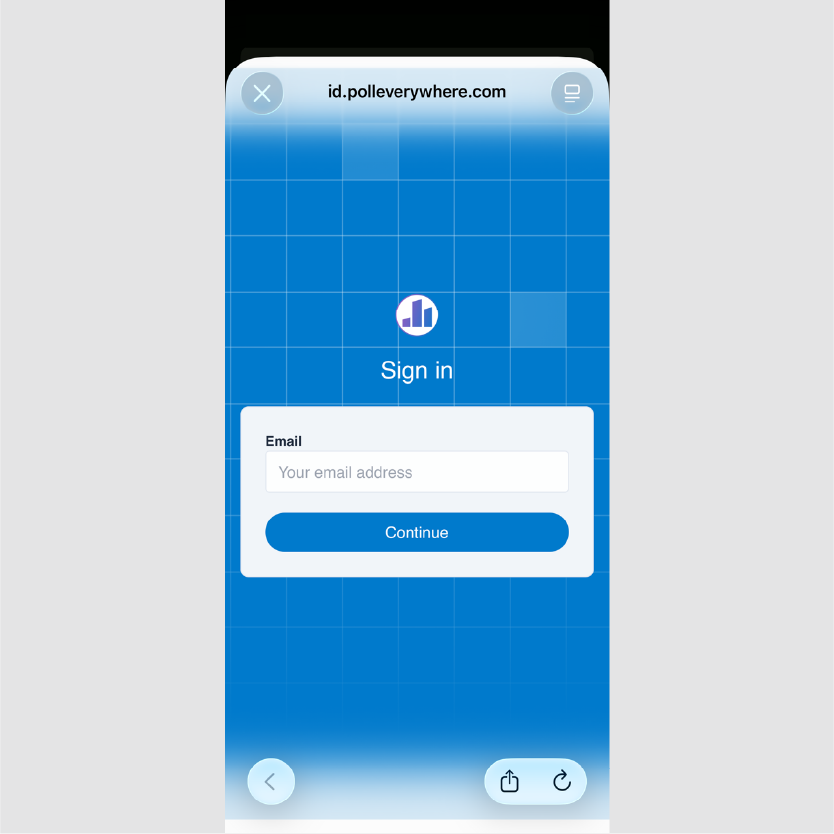
- Enter your full UTHealth email address and continue.
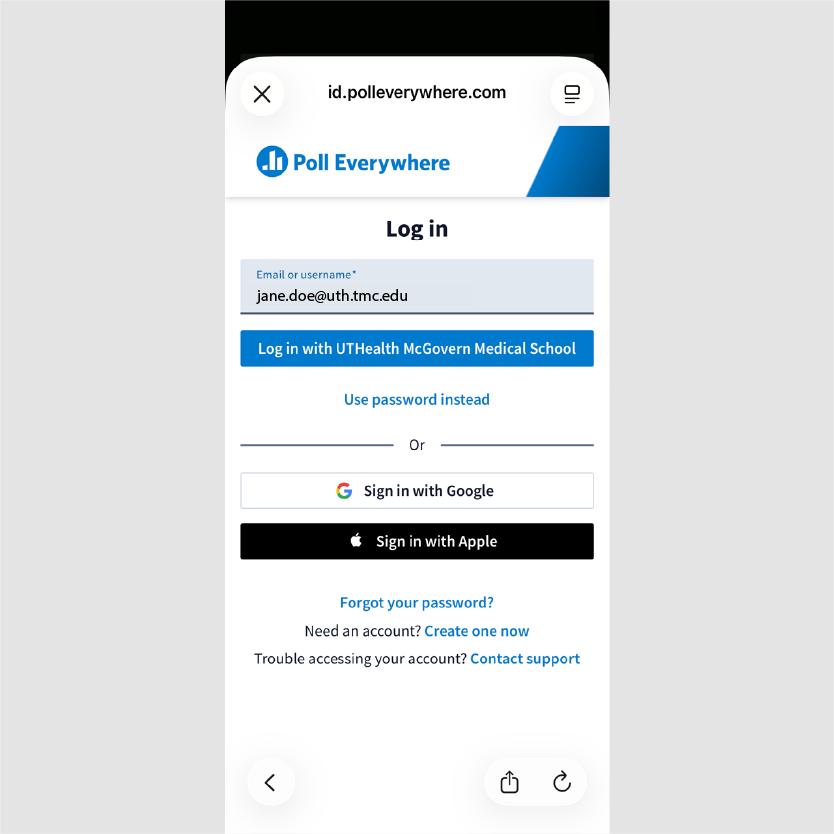
- On the next screen, select Log in with UTHealth.
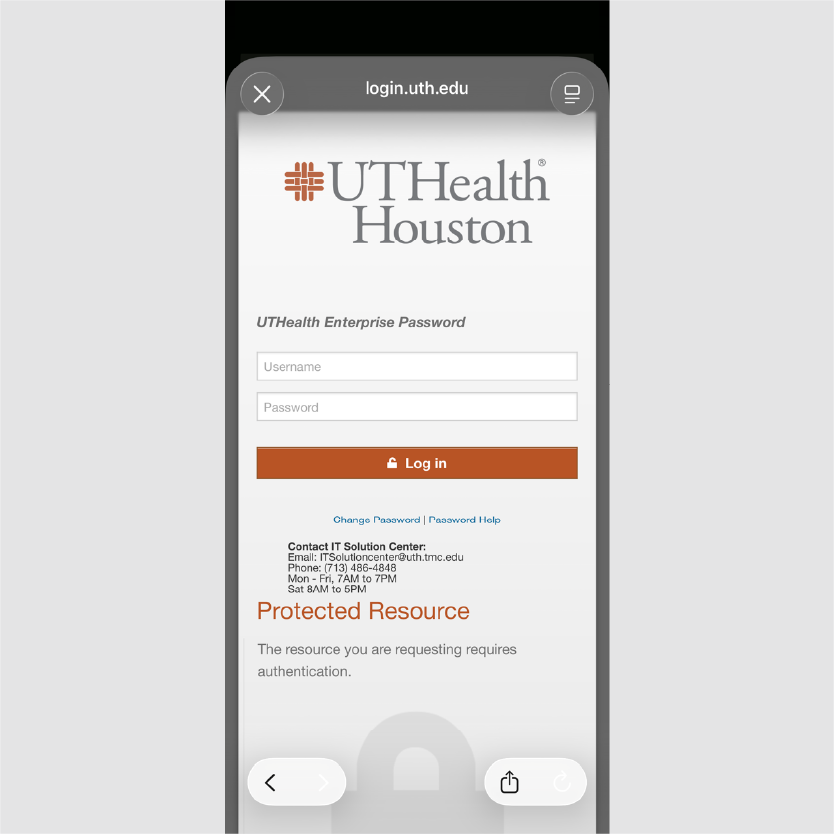
- Enter your UTHealth Enterprise username and password, then sign in.
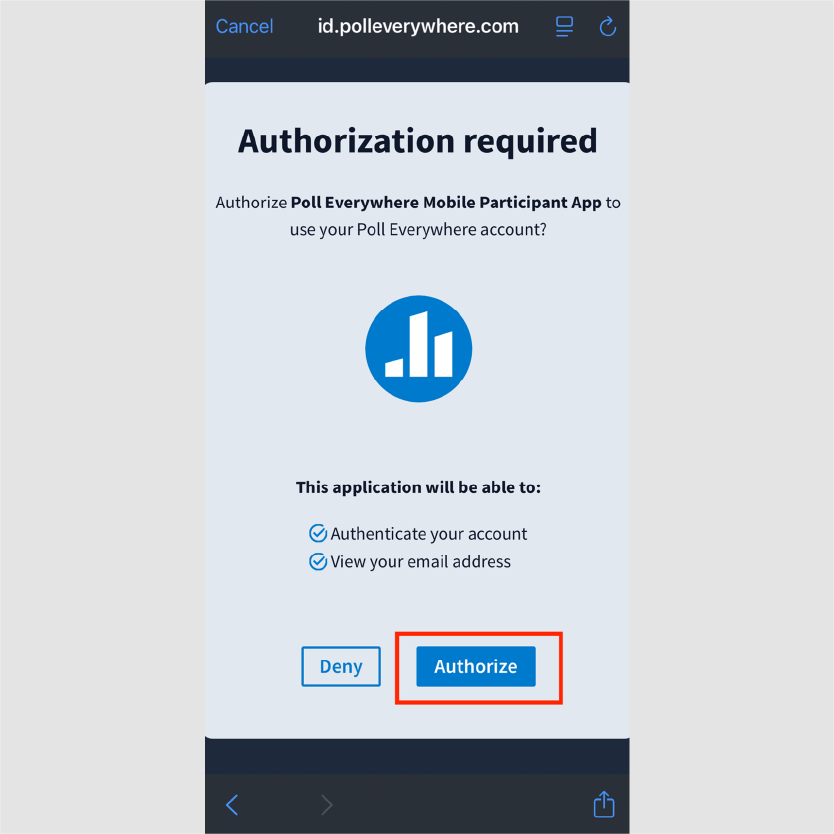
- When the Authorization Required screen appears, select Authorize.
- You’re all set! You can now participate in Poll Everywhere activities using your UTHealth account.
Log In to the Website
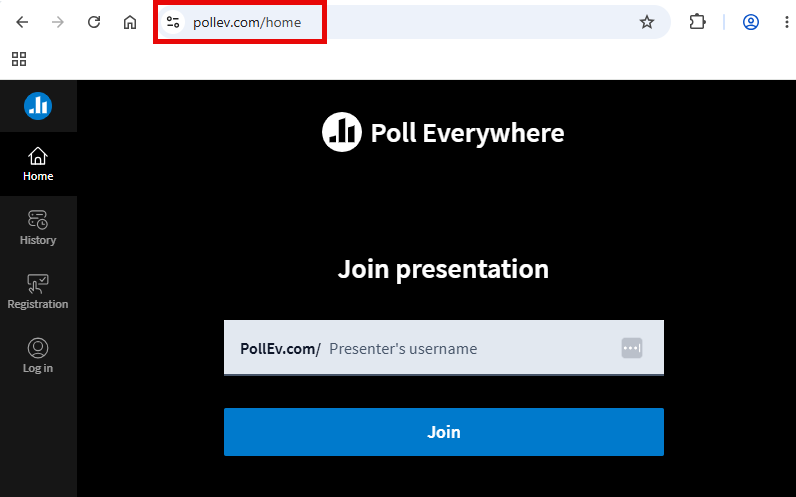
- Go to https://www.pollev.com/ (Links to an external site.) (external link)
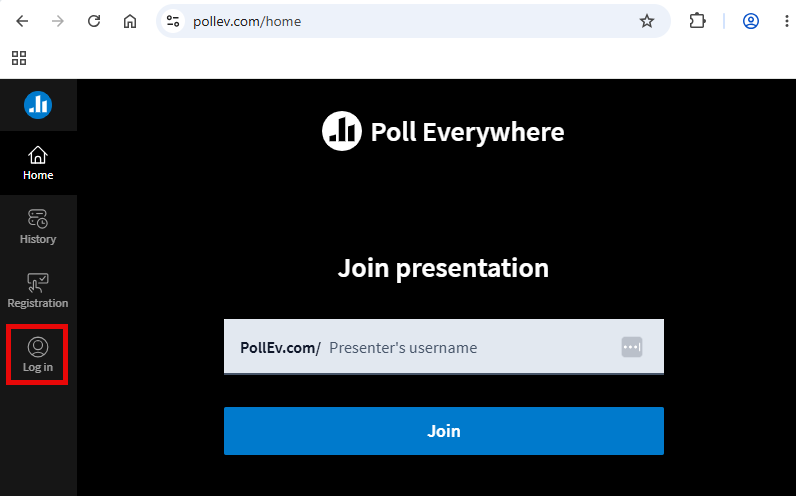
- Click the Log in button at the bottom of the left panel navigation
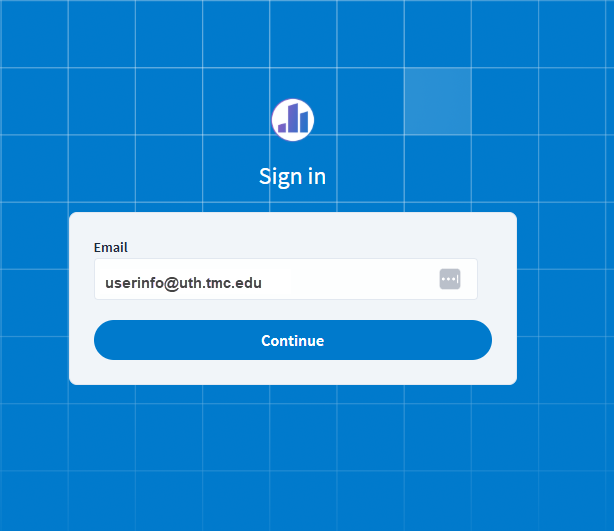
- Enter your full UTHealth email address and continue.
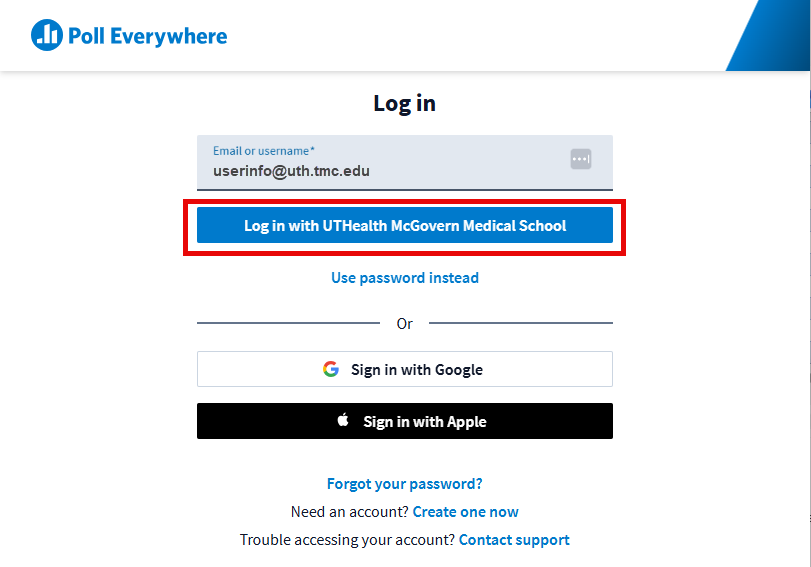
- On the next screen, select Log in with UTHealth.
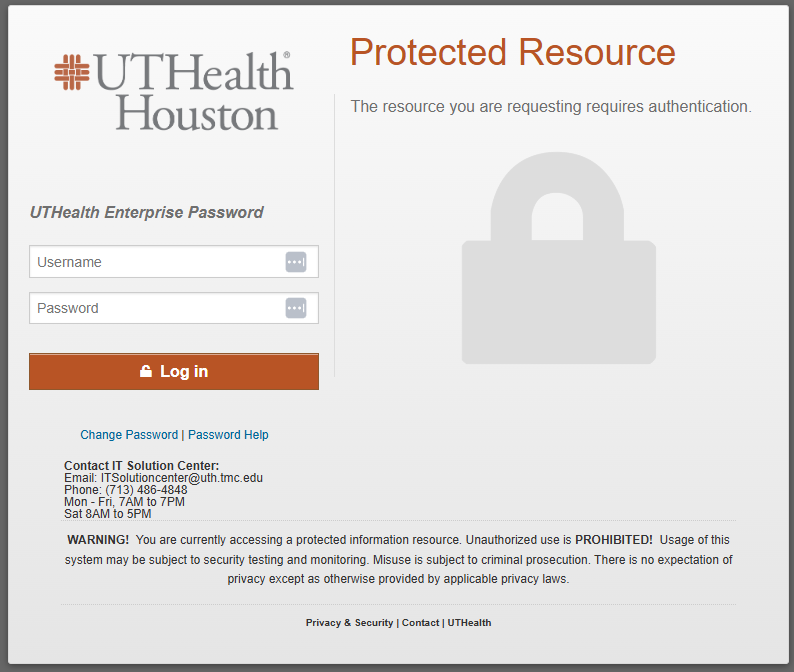
- Enter your UTHealth Enterprise username and password, then sign in.
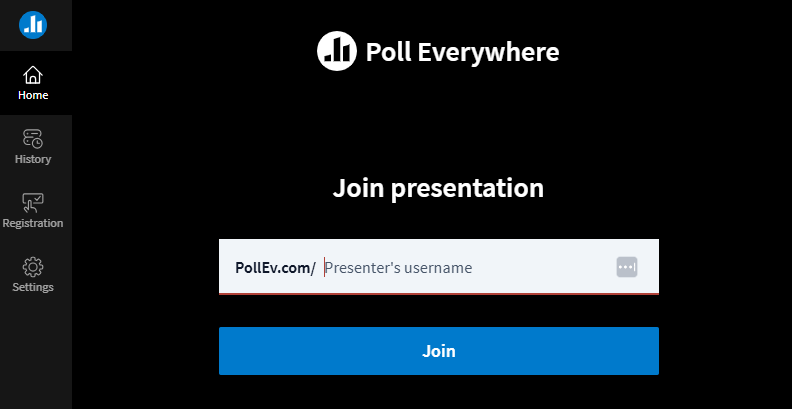
- You’re all set! You can now participate in Poll Everywhere activities using your UTHealth account.
Questions?
Please email: [email protected] or contact Poll Everywhere directly at [email protected] or call 800-388-2039 (7AM-7PM)